Catalog Software Catalog Software Catalog Software Catalog Software Catalog Software
Catalog Software Home Product Information Download
Contact Samples Support Order
 
catalog editor Samples catalog builder
 
Print Samples Web Samples e-Commerce CD-ROM Sample
 
product catalog Product Information catalog design
 
 
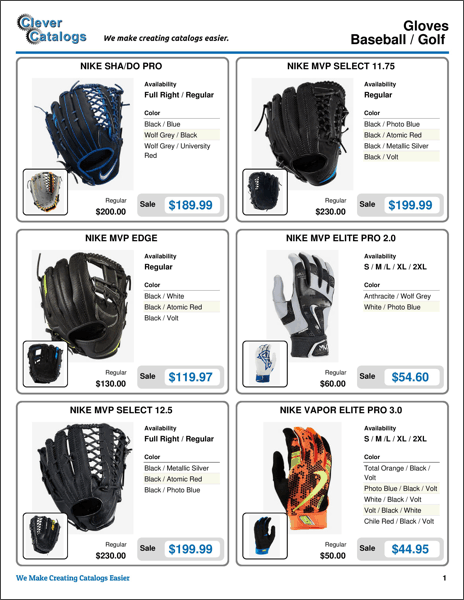
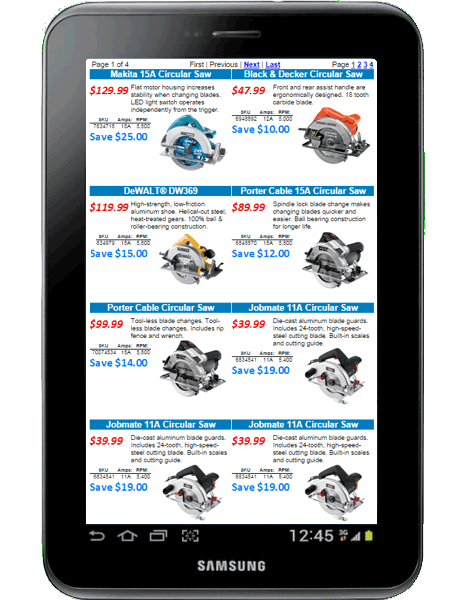
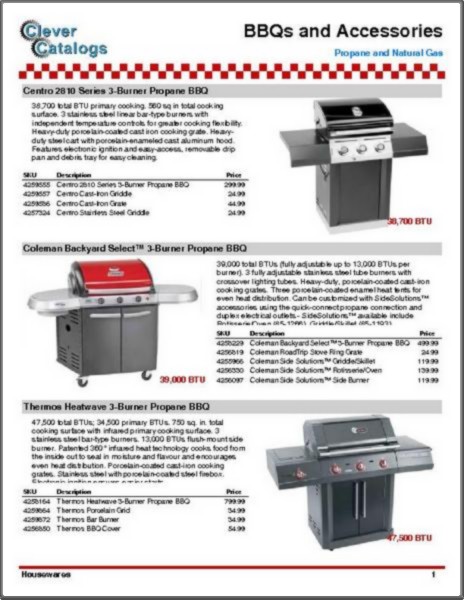
CleverCat can be used to build printed catalogs, catalogs on CD-ROM, on-line catalogs and even an e-commerce site. Our unique "Detail Table" format allows you to efficiently display thousands of items in a compact and logical format. The Template Editor gives you complete control over the appearance of your printed catalogs and you can change the font, size, colour and background of individual text cells.

Best of all, you can try it for free!

Choosing a Catalog Builder - Is CleverCat right for you?

Data Import

CleverCat can import data from a Microsoft Excel spreadsheet or CSV text file. Many accounting applications, such as Quickbooks, have an Excel export utility built-in. Others can export to CSV or other text files that can be converted to Excel.
On-site can provide assistance with importing data from a variety of sources: databases, spreadsheets and even PDF files.

     
CleverCat Tutorials
    Click for more templates.
Getting Started (PDF)

The tutorials demonstrate most of CleverCat's features and will open in a new window.  
Video Tutorials - Click the titles below to start.  
 
Importing Data
Data Mapping
Copy Data from Excel
Category Editor
Data Editor
Inventory Editor
Template Design 1
Template Design 2
Template Design 3
Template Design 4
Printing 1
Index Page and Table of Contents
Creating a Catalog on CD-ROM
Creating an On-Line Catalog
Printing Bar Codes
Printing with PDF995


catalog software Minimum System Requirements catalogue software
 
60Mb of available hard disk space
1024 x 768 or higher screen resolution
Microsoft Windows XP or higher


Home | Product Info | Samples | Support | Order | Download | Contact